
Free iZotope RX Alternative: Strip Silence from Audio (2026) — complete guide
1. The Myth of the $400 Plugin
If you search online forums or Reddit for 'how to clean up podcast audio', within five minutes someone will inevitably recommend iZotope RX official suite.
They are not wrong in their assessment of the software itself. iZotope RX is an absolute masterpiece of software engineering. It is the undisputed industry standard for audio repair. Hollywood studios use it to clean up dialogue recorded on windy movie sets. Grammy-winning engineers use it to isolate vocals from dense instrumental tracks. Archivists who restore 50-year-old tape recordings use it to remove analog hiss and vinyl crackle.
But if you are a podcaster, a YouTuber, an online educator, or a course creator, you probably don't have a $400 budget for a single audio suite. If you're just starting out, read our complete guide to the best free audio editing software for beginners before choosing your workflow.
More importantly, even if you do have the budget, you probably don't have the time to learn how to read a spectral audio editing standards display, tune a de-plosive module, configure an ambience match algorithm, or manually paint out mouth clicks. Most modern creators just want to record their voice, remove the awkward dead air, make it loud enough to meet YouTube standards, and hit publish.
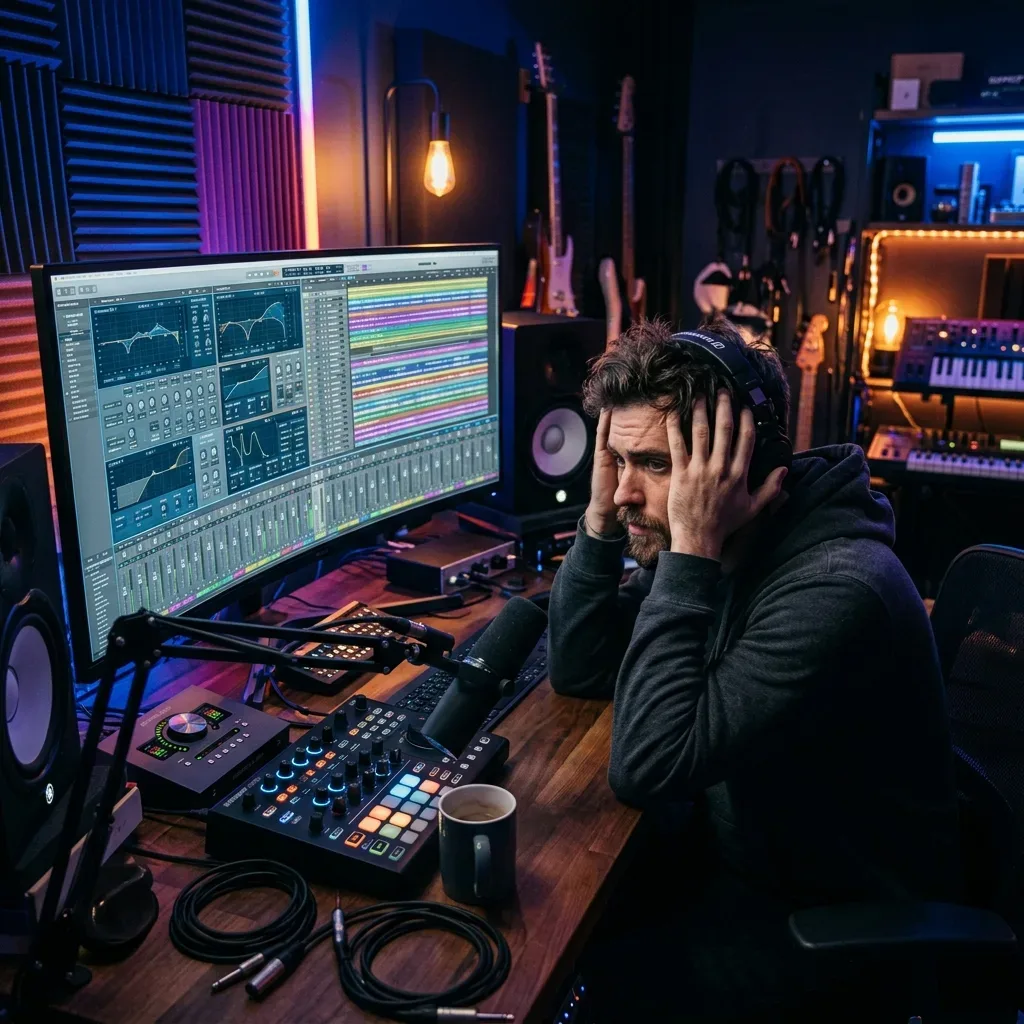
This is the trap many new creators fall into. They think they need studio-grade forensic software to fix basic recording issues like long pauses or slightly quiet volume.
The truth is, you don't. You don't need a sledgehammer to drive a small nail.
In this comprehensive guide, we will look at how to strip silence for free using traditional manual tools like Audacity, and why modern browser-based AI tools are rapidly becoming the new standard for fast, scalable creator workflows.
2. Why iZotope RX is Overkill for Most Creators
Let's be completely fair to iZotope. It is an amazing tool that justifies its price tag for professional sound designers. But using it just to remove pauses from a weekly podcast is like buying a Ferrari just to drive three blocks to the grocery store.
Here is a deeper look at why heavy audio suites often frustrate everyday content creators:
The Hidden Costs Beyond the Price Tag
- The Initial Price: The standard version of RX is expensive, and the advanced version costs as much as a high-end laptop. For a creator just starting out, or even an established creator looking to lower their overhead, that is a massive barrier to entry.
- The Steep Learning Curve: The interface is built for audio engineers, not video creators. If you don't know the difference between a dynamic threshold, a compression ratio, a hard knee, or spectral frequency painting, you will feel lost very quickly. The manuals are hundreds of pages long.
The CPU Load and Workflow Friction
- The Hardware Demands: Running heavy audio restoration plugins requires a powerful computer. Older laptops or budget MacBooks will struggle, fan noise will increase dramatically, and exports will take significantly longer. Your machine might even crash if you stack too many intensive modules on a single timeline.
- The Workflow Friction: Think about the steps required: Opening a heavy desktop application, waiting for it to load, importing your audio, waiting for waveform generation, running individual modules, previewing the changes, and finally exporting the file back to your primary video editor. It is a slow, multi-step, destructive process.
If your primary goal is simply to tighten up your pacing, eliminate dead air, and ensure your audio is loud enough for mobile listeners, you need workflow speed, not forensic complexity.
3. The Traditional Free Way: Audacity
If you want to strip silence without spending a dime, the most common and oldest advice on the internet is to use Audacity.
Audacity is open-source, completely free, and incredibly reliable. It has been around for decades and has a built-in feature specifically designed for this purpose called 'Truncate Silence'.
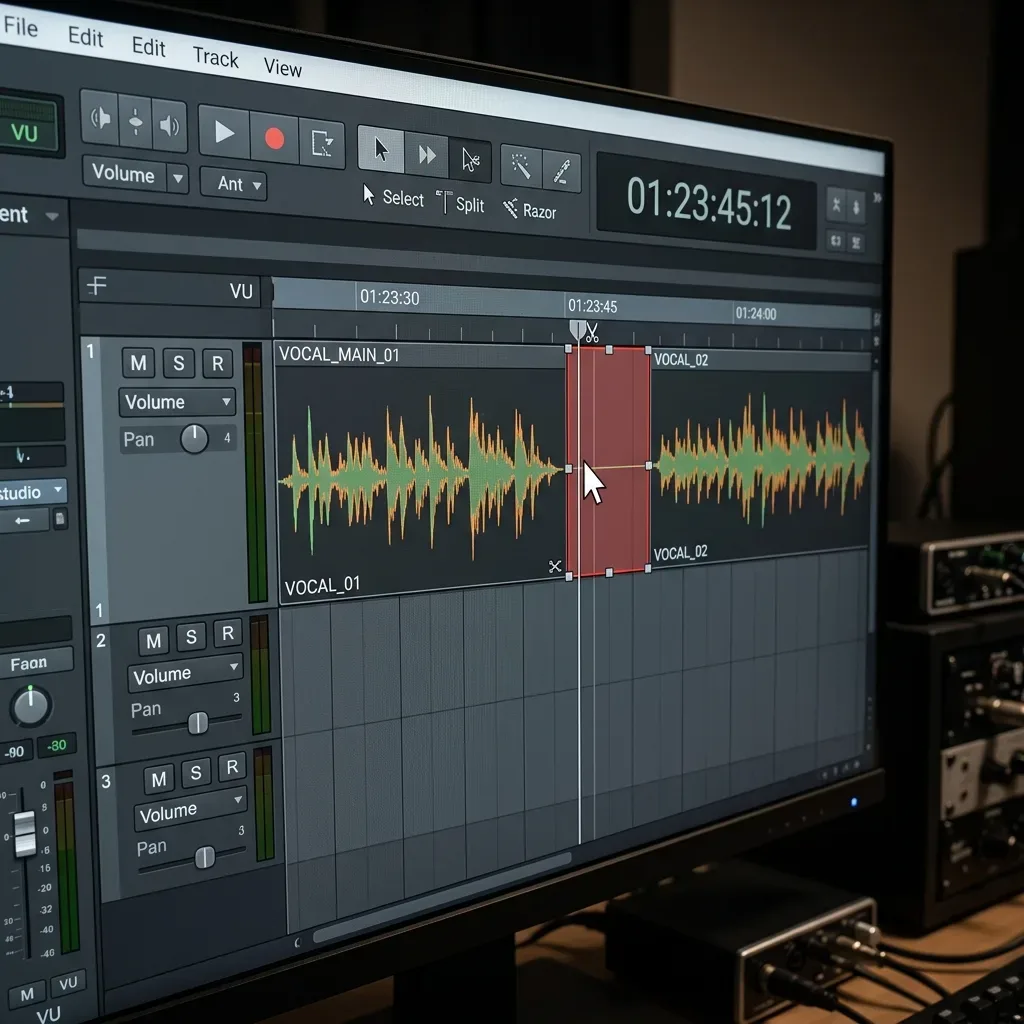
Step-by-Step: How to use Truncate Silence in Audacity
- Open your recorded audio file in the Audacity application.
- Select the entire track by pressing Ctrl+A (Windows) or Cmd+A (Mac).
- In the top menu bar, navigate to Effect → Truncate Silence.
- A dialog box will appear with three main mechanical settings: Threshold, Duration, and Truncate to.
- Threshold: This is the most critical setting. It tells Audacity exactly how quiet the audio needs to be (in decibels) to be considered 'silence'. If your room is noisy, you have to set this carefully. Set it too low, and it won't cut anything. Set it too high, and it will cut the quiet parts of your words.
- Duration: This tells the tool how long a pause must be before it is targeted. If you set it to 0.5 seconds, any pause shorter than that will be completely ignored.
- Truncate to: This dictates what the targeted silence is replaced with. If you set it to 0.2 seconds, a massive 5-second awkward pause will be shrunk down to a tight 0.2-second gap.
The Destructive Nature of Manual Edits
While Audacity's approach is completely free, it is not actually 'smart'. It is purely mechanical and mathematical.
If you set the decibel threshold slightly wrong, Audacity might aggressively cut off the quiet beginnings or endings of your words. Conversely, it might leave the silence completely untouched because of a faint air conditioning hum in the background that sits just above your threshold.
"The biggest mistake beginners make with manual silence trimmers is setting the threshold based on the waveform's visual look rather than the room's actual noise floor."
Creators often find themselves running the effect, listening back to the result, realizing it sounds robotic and unnatural, hitting Undo (Ctrl+Z), adjusting the threshold by 2 decibels, running it again, and repeating this tedious process until it sounds acceptable.
It works, but it costs you valuable time. And for modern content creators who need to publish multiple times a week, time is the most expensive resource of all.
4. The Modern Solution: Automated Browser Tools
What if you could combine the free aspect of Audacity with the professional, artifact-free results of a premium desktop tool, but entirely remove the complicated interface and trial-and-error?
That is the exact problem that modern browser-based AI audio tools are solving today.
Instead of downloading heavy software, installing iLok licenses, managing plugins, and guessing threshold numbers, modern workflows allow you to process audio directly in your web browser with a single click.
This brings us to AudioForge Pro.
Full transparency before this section: I am the founder of Audio Forge Pro, so treat the next few paragraphs as a description of what the tool does rather than a neutral review. AudioForge Pro was designed specifically as an alternative to heavy desktop software for creators who value speed. It focuses entirely on the two things creators actually need most for daily publishing: Silence Removal and LUFS Normalization.
Why Browser-Based is Faster
When you transition to a tool like AudioForge Pro, your workflow changes completely and the friction disappears:
- You simply drop your raw audio file directly into the browser window.
- The AI immediately analyzes the waveform, intelligently differentiating between actual dead air and the natural pauses required for human speech.
- It automatically applies intelligent padding (Leading and Trailing pad) so that words don't feel abruptly cut off or robotic.
- It normalizes the final file to exactly -14 LUFS (the broadcast standard for YouTube and Spotify).
- You click Export and drop the polished file back into your video editor.
There are no monthly subscriptions to manage. There are no heavy software installations clogging your hard drive. There is no frustrating trial-and-error with mechanical decibel thresholds because the tool is already optimized for natural human speech pacing.
5. The Hidden Cost of Poor Pacing
Many creators underestimate why stripping silence is so critical in the first place. They assume that if their content is good, audiences will sit through the pauses.
This is a fundamental misunderstanding of modern audience behavior.
Audience Retention Metrics
Look at your YouTube analytics or Spotify retention graphs. The steepest drop-offs almost always occur during moments of low energy or dead air. If you take three seconds to gather your thoughts between sentences, a significant percentage of mobile viewers will simply swipe to the next video.
Tight pacing isn't just an aesthetic choice; it is a retention strategy. The fastest way to increase your average view duration (AVD) without recording better content is to simply edit your existing content tighter.
The Psychology of Dead Air
Dead air creates subconscious friction for the listener. It breaks their immersion. When speech flows naturally, but briskly, the listener remains engaged in the narrative.
However, over-editing can be just as damaging. If you strip every single micro-pause and breath, the audio becomes stressful to listen to. This is why intelligent tools that leave a natural 'padding' around words are superior to aggressive mechanical trimmers that slam sentences together.
6. Head-to-Head: Choosing the Right Workflow
To make this decision simple, let's look at how these different approaches compare across the metrics that matter most to creators.
| Tool | Best For | Cost | Learning Curve | Speed | LUFS Normalization | Browser Based |
|---|---|---|---|---|---|---|
| iZotope RX | Deep audio restoration | Hundreds of dollars | Very High | Slow | Yes (Advanced) | No |
| Adobe Podcast | Voice enhancement | Subscription | Low | Medium | Automatic | Yes |
| Audacity | Manual, mechanical editing | Free | Medium | Slow | Manual Plugin | No |
| Descript | Script-based editing | Paid Subscription | Medium | Medium | Yes | Yes (Cloud App) |
| AudioForgePro.com | Fast creator pacing | Free | Low | Blazing Fast | Automatic (-14 LUFS) | Yes |
When you look at the comparison matrix, it becomes clear that different tools serve entirely different purposes.
If you are recording a major motion picture or restoring a poorly recorded interview with massive background noise, buy iZotope.
If you want to manually manipulate waveforms for complex sound design, download Audacity.
But if you are a digital creator who just wants to strip silence, fix your narrative pacing, and hit proper loudness levels without wasting an hour of your life, browser automation is the undisputed winner.
7. Don't Forget About LUFS (Loudness Units relative to Full Scale)
A quick but critical note before we finish: Removing silence is only half the battle of professional audio.
If you strip every last bit of dead air from your podcast but export the final file at -24 LUFS (which is very quiet), your listeners will still have a terrible experience. They will have to turn their car stereo volume all the way up to hear you, and then they will be deafened when the next, properly leveled podcast plays.
What is LUFS and Why Does It Matter?
LUFS measures perceived loudness over time, not just the peak volume spikes. It represents how loud your audio actually feels to a human ear.
Platform Specific Targets
Almost all major streaming platforms have adopted LUFS as their normalization standard:
- YouTube: Targets -14 LUFS.
- Spotify: Targets -14 LUFS.
- Apple Podcasts: Recommends -16 LUFS for stereo audio.
The major advantage of using a dedicated creator tool like AudioForge Pro over a basic mechanical trimmer is that LUFS normalization is built directly into the same single click. You fix your pacing and guarantee your volume meets platform standards at the exact same time.
8. Final Verdict: Your Time is Valuable
The era of needing expensive, heavy desktop software for basic audio cleanup and pacing is over.
iZotope RX will always remain the king of high-end, forensic audio restoration. But everyday creators don't need forensics; they need workflow speed and reliability.
Stop spending your nights manually highlighting and deleting dead air on a timeline. Stop guessing which threshold numbers will make your speech sound natural instead of robotic.
If you are still weighing the options, the AI silence-removal workflow explains the automated route, the professional padding and crossfade guide explains the manual craft behind it, and you can run the browser-based tool on a real file before committing to a larger repair suite.
Your time is the most valuable asset you have in the creator economy. Let the software do the boring, repetitive work, so you can get back to doing what actually matters: creating great content.
Transparent Disclosure: The author is the Founder of Audio Forge Pro. Recommendations reflect genuine relevance to this topic. Core audio processing is free with no login required.
Responses
Join the community discussion. Sign in with Google to post a comment after the page finishes loading.