The Science of Silence: Mastering AI-Powered Silence Removal for Creators (2026 Edition)
Guide #16 | Author: M Zeshan | Category: Audio Processing | Published: 2026-01-15
1. Why Dead Air Kills Your Audience Retention
Not every silence is bad but dead air always costs you viewers. After 15 years in recording and podcast editing I have seen this pattern repeat constantly. Listeners do not care about technically perfect audio as much as they care about confident pacing. When someone pauses for too long in the middle of speaking the audience starts wondering if the person is still thinking or if the video even worth watching. That hesitation kills engagement.
The problem is not silence itself. The real problem is uncertain silence.
Natural pauses give authority to your words. Emotional pauses add meaning. But random dead gaps just drop the energy. In podcasts dead air hurts listener retention. In YouTube voiceovers it slows pacing. In course content it makes everything feel less professional. For short form content every extra second literally damages performance.
Silence removal is no longer just a convenience feature. It has become core to pacing control and content efficiency.
The difference between a thoughtful pause and dead air dictates your audience retention rate.
There is a common mistake though. Creators either leave silence completely untouched or they cut so aggressively the voice starts sounding robotic and tired. The right approach sits somewhere between those two extremes.
That is where AudioForge Pro shows its real advantage.
This tool does not just delete silence. It cleans dead air intelligently while preserving speech rhythm. Most importantly because of browser side processing your files never get uploaded to any server. That is a big plus for both privacy and speed. Simple words: our online audio editor offers 100 percent privacy blazing speed no upload queue no cloud wait.
2. AI Voice vs Real Human Voice
As a senior audio engineer I have noticed that synthetic speech and human speech give completely different results when processed with the same silence settings.
How AI voices behave
AI or text to speech voices usually have very little background noise and a consistent waveform. They have almost no breaths or natural inhalation. The energy pattern from word to word is predictable and sentence gaps sound mathematically clean.
This means you can make silence removal more aggressive on AI voices. There is less need to preserve room tone mic movement mouth noise or emotional hesitation.
But there is still risk. If the AI voice already sounds stiff and you cut pauses even more the result feels hyper robotic. Even with AI voices silence removal should be smart not brutal.
Real human voice behaves differently
Human speech includes breaths that carry meaning and room tone that helps audio feel natural. Consonants sometimes start softly and emotional pauses are part of the performance. Sentence endings matter too where the speaker lands the line or trails off.
If you set the threshold too aggressively you create problems. The first consonants of words get cut and sentence endings get chewed off. Breaths disappear and clicks appear at edit points. The speech rhythm becomes unnatural.
That is why the golden rule of real voice cleanup is simple: improve clarity but do not destroy humanity.
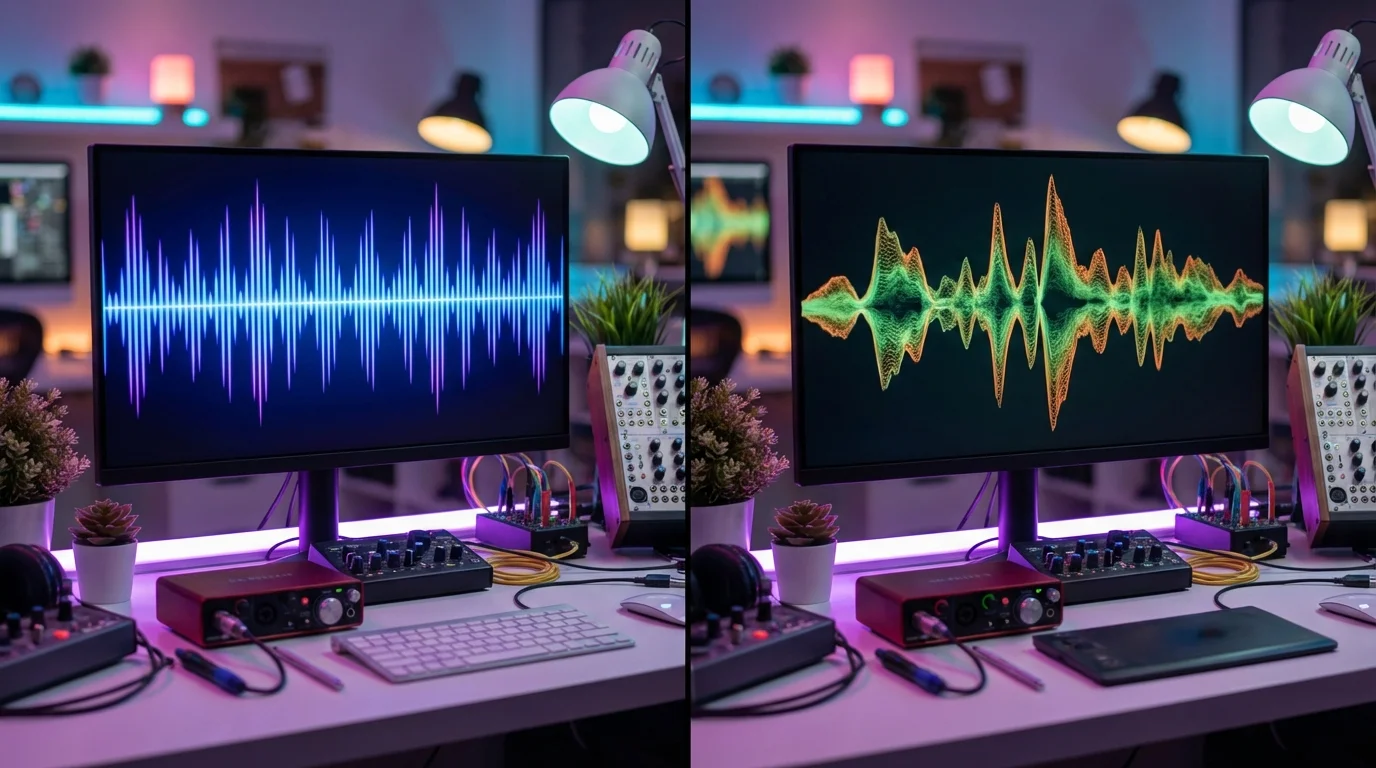
Synthetic AI textures are highly predictable while human vocals present complex micro-transients that require delicate padding.
3. Audio Forge Pro Master Settings Explained
Now let us talk about the settings that define your results. Many tools give you settings but they do not explain what each one actually does.
AudioForge Pro defaults are tuned intelligently. They are not random numbers. There is real spoken word logic behind them.
Silence Threshold
The critical part of silence removal is detection. If the tool cannot tell speech from silence then other settings do not matter much. In AudioForge Pro this control is labeled Silence Threshold in the sidebar.
The Silence Threshold slider sets base sensitivity and internally the tool adapts it dynamically to your audio environment. This works better than a rigid fixed line because real world recordings are not made in perfect studios.
One clip might have AC hum. Another might have laptop fan noise. A third might have room tone. A fourth might have a soft spoken presenter. Each needs different handling.
If the threshold is too low then unwanted silence will not get detected and dead air remains. If the threshold is too high then soft syllables get treated like silence and breaths get cut.
That is why the Silence Threshold control makes decisions in context of your noise floor. This helps when you are not recording in a perfect booth.
My recommendation is simple. If you are creating a normal podcast YouTube talking head video educational content or casual voiceover then do not touch the default Silence Threshold. It already gives balanced behavior.
Leading Pad
Many beginners think speech should start exactly where the waveform starts. Technically that sounds right but in practice it is usually wrong.
Leading Pad at 35 milliseconds means when the tool detects speech it also keeps a small amount of audio before the actual speech point.
Human speech does not start in a vacuum. Before speech there is often a light inhale or pre phonation movement. There is room tone continuity and soft consonant attacks.
If you cut all that away the line starts with an unnatural jump. The listener might not know the technical terms but they will feel the voice sounds edited.
Thirty five milliseconds is a smart sweet spot. It is short enough to cut dead air efficiently while long enough to preserve the natural start of speech without sounding cut off.
This setting matters especially for soft spoken voices breathy voices emotionally expressive delivery and natural phrasing in Urdu Hindi or English mix.
Trailing Pad
The end of speech is often trickier than the beginning. When a sentence ends the final consonant may release softly. Tails like s t sh n and r may stretch slightly. Room tone helps maintain continuity and the speaker may intentionally land the line.
If you cut immediately after speech ends you get clipped endings and abrupt stops. You lose sentence authority and the listener feels a chopped sensation.
That is why Trailing Pad at 60 milliseconds matters. It preserves natural tail after speech ends. In my experience 60 milliseconds is reliable for most spoken word content because it lets the sentence settle properly and protects word endings.
Do not underestimate this setting. Many robotic edits are caused by trailing padding being too short.
Min Silence to Cut
This setting is probably the most misunderstood. Removing every pause is not good editing. Some pauses are language. Some pauses are meaning. Some pauses are breathing space.
Min Silence to Cut at 220 milliseconds means the tool will not attack every tiny micro gap. It only targets silence that feels like actual dead air.
Pauses in the 50 to 200 millisecond range are often punctuation pauses thought grouping breath management or emphasis. If you cut every gap below 220 milliseconds the natural cadence of speech breaks.
Two hundred and twenty milliseconds is an excellent middle ground. Short natural pauses stay safe. Awkward dead air gets targeted. Pacing becomes tighter but delivery does not turn robotic.
For podcasts talking head videos tutorials webinars and voiceover this is a practical default.
Crossfade Duration
When two audio segments join directly and the waveform is not at zero crossing you hear a click pop or tiny glitch. This happens when room tone changes or the noise floor differs. It happens when edit points land on consonant edges.
Crossfade at 20 milliseconds smooths the edit boundary. The tail of the previous segment and the start of the next one overlap slightly and blend together.
This reduces clicks and makes cuts feel invisible. Transitions sound more natural and room tone continuity improves.
Twenty milliseconds is safe for spoken word audio. Not so long that diction becomes blurry but not so short that clicks remain.
In professional spoken word cleanup I always say this: before using a hard cut think about the crossfade.
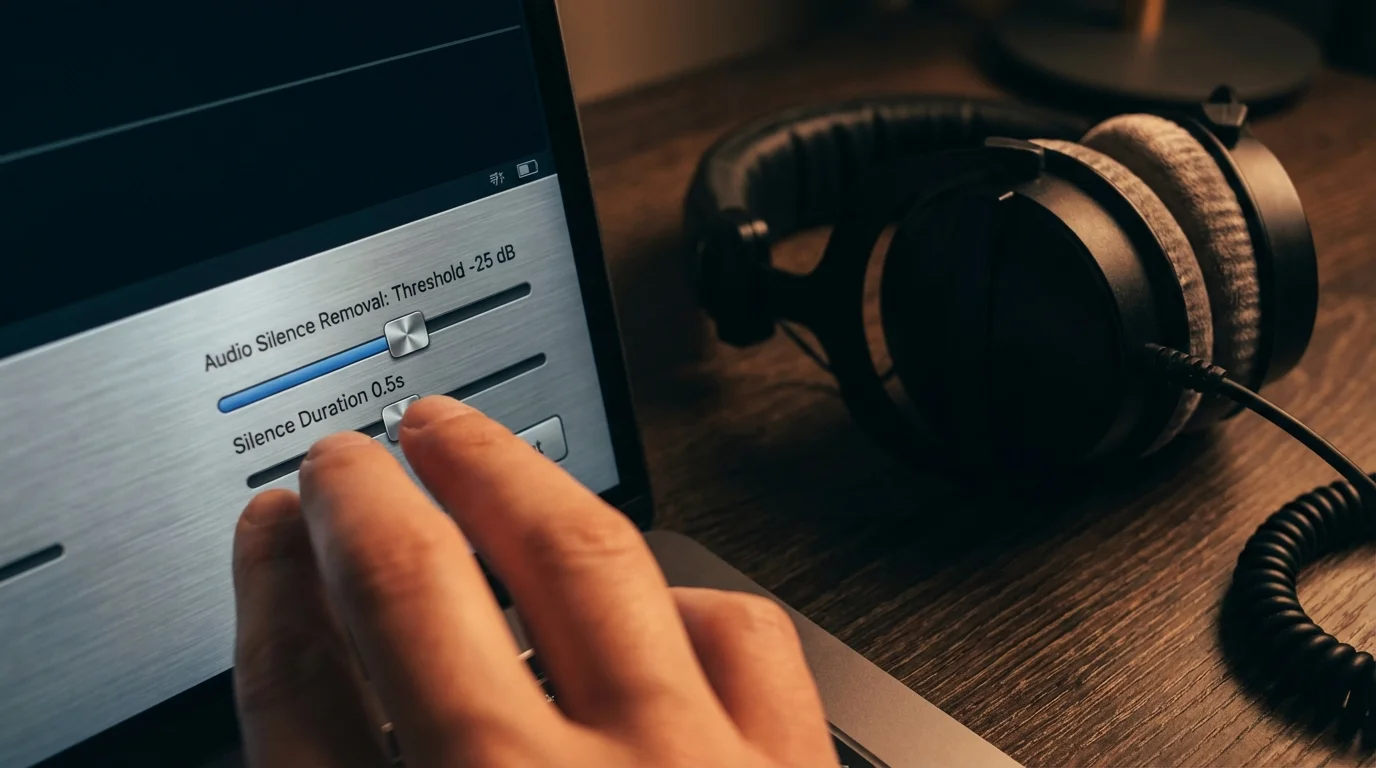
Properly configuring leading and trailing padding creates professional broadcast consistency.
4. When to Use Different Editing Styles
When to stay with defaults
If you are making podcasts YouTube talking head videos educational lectures online courses solo voiceovers interviews webinars or faceless narration then AudioForge Pro defaults are almost always the best starting point.
In these cases the defaults work well because they give a strong balance between clarity and natural rhythm.
When to edit more aggressively
If you are making short form reels cutting ad creatives using AI voiceovers creating sales videos or editing high energy tutorials then you can consider slightly more aggressive cleanup. In an aggressive approach the Silence Threshold is a bit more sensitive and Min Silence to Cut is shorter. Leading Pad and Trailing Pad are slightly reduced.
But here is the warning. Do not sacrifice naturality for speed.
If the final result feels too fast or makes the speaker sound anxious. If it removes all the breaths or makes sentences snap then you have over edited.
When is light editing better
If you are making storytelling content or recording deep dive podcasts. If you are creating spiritual or reflective content doing audiobook style narration or editing emotional testimonials. If you are cleaning the voice of an elderly or very soft speaker then light editing is usually the better choice.
In this approach more breaths are preserved and pauses are respected more. Pacing feels mature and listener fatigue is lower.
Remember this professional rule. If the listener can hear the edit then the edit is not perfect yet.
5. Browser Processing vs Traditional Tools
The biggest hidden cost of silence cleanup is time.
If you remove silence manually in CapCut or another editor the workflow gets tedious fast. You import the file and wait for the waveform. Then you zoom into the timeline and look for pauses. You split the clip delete the silence adjust the ripple and add fades. Then you listen again and fix places where words got cut. Finally you export.
This process is not just slow. It can also be destructive.
The most common damage in manual editing is cutting breaths and chopping the first consonant. You make sentence endings too abrupt and create unnatural pacing. This causes over editing fatigue.
In CapCut or any generic editor once you start making dozens of manual cuts you leave creative flow and enter surgical labor. Not every creator has time for that.
Traditional desktop DAWs are powerful but they are designed for broader production work. Multitrack editing effects chains routing restoration mastering and more. If your main goal is simply spoken word silence cleanup that heavy workflow is not always efficient.
What is AudioForge Pro's edge
AudioForge Pro uses browser side processing.
That means your file is processed inside the browser. There is no waiting for server upload and privacy concerns are much lower. There is no cloud queue and no large file round trip. Turnaround is fast.
The practical benefit for creators is simple. Drag process review download.
The less friction there is the more consistent your workflow becomes. In content creation consistency is one of the biggest engines of growth.
Why does minus 14 LUFS loudness normalization matter
Removing silence is only half the job. The other half is playback consistency.
If your voice is clean but the level is uneven the listener has to keep adjusting volume. That is annoying. This is why AudioForge Pro's minus 14 LUFS normalization target is so practical.
Content sounds more consistent and playback feels smoother for podcasts. Listeners do not need to ride the volume as much and the export feels more professional.
Important note. Minus 14 LUFS is not a replacement for full mastering but in a creator workflow it is a strong default that improves clarity.

Escape timeline exhaustion. Fast browser workflows increase content output.
Expert Presets Guide
To help you get started I have designed four expert presets you can use as recipes. Each one is tuned for specific spoken word energy.
Preset One: Slow Burn Storyteller
Best for deep dive podcasts audiobooks emotional storytelling and reflective content in Urdu Hindi or English.
Settings are Silence Threshold minus 40 decibels Leading Pad 400 milliseconds Trailing Pad 500 milliseconds Min Silence to Cut 1 second.
Preset Two: YouTube Guru
Best for tutorials webinars educational lectures and explanatory voiceovers. This is the golden ratio for clarity.
Settings are Silence Threshold minus 35 decibels Leading Pad 35 milliseconds Trailing Pad 60 milliseconds Min Silence to Cut 220 milliseconds.
Preset Three: Viral Short Form
Best for TikToks Instagram Reels YouTube Shorts and high energy ad creatives where every second counts.
Settings are Silence Threshold minus 30 decibels Leading Pad 100 milliseconds Trailing Pad 150 milliseconds Min Silence to Cut 300 milliseconds.
Preset Four: Voice Optimizer
Best for ElevenLabs Google Cloud TTS or OpenAI voice outputs where noise floor is already zero.
Settings are Silence Threshold minus 32 decibels Leading Pad 50 milliseconds Trailing Pad 100 milliseconds Min Silence to Cut 200 milliseconds.
Market Comparison
Traditional DAWs like Audacity
Desktop tools like Audacity are useful especially if you edit multitrack sessions or want manual restoration. They work well if you like detailed waveform surgery or work in full production environments.
But for average creators the issue is that this workflow is often tool centric not outcome centric. For silence cleanup it usually requires previewing threshold tuning manual correction and export discipline.
So yes it is powerful. But is it always the fastest option for creators? Not every time.
CapCut and generic timeline editors
CapCut and other video first editors can be convenient especially when you are already working inside a video project. But when the main objective is specifically clean spoken audio pacing manual timeline cutting becomes a huge time sink fast.
There is another issue too. When a creator handles visual cuts captions B-roll transitions and audio cleanup all inside the same timeline the fine naturality of audio often gets compromised.
Short version. A video timeline can clean audio but it does not always treat audio with the care it deserves.
Other tools
There are many useful tools in the market. Some focus on transcription. Some offer cloud enhancement. Some remove filler words and some trim silence. But creators often run into problems like subscription lock usage caps credits cloud dependency editor complexity feature overload and privacy concerns from uploads.
If you are a simple creator who just wants clean voice and removed dead air with natural feel without becoming a software engineer then simplicity becomes a big advantage.
Who is AudioForge Pro best for
AudioForge Pro's online audio tool is best for creators who want one click silence cleanup free workflow browser side privacy blazing speed creator friendly defaults natural sounding speech built in loudness consistency and minimum friction.
To be fair this should also be said.
If you need full music production advanced restoration or deep multitrack post production then a DAW still has its place.
But if your real daily pain point is dead air pacing and voice cleanup then AudioForge Pro's focused workflow feels much more practical.
Final Verdict: The science of silence is more about taste than speed
The final point is simple:
Silence removal is less of a technical task and more of a communication craft.
Good cleanup is not the one that removes every gap. Good cleanup removes awkward dead air and makes speech sound confident. It reduces listener fatigue and preserves natural breathing while saving the creator time.
If you are tired of manually cutting every pause in CapCut or frustrated with subscriptions in paid tools and you want a solution that is free private and fast in one click then AudioForge Pro's approach feels practical.
Start with default settings. Listen to the preview. Only tweak when there is real need. That is the professional workflow. That is the scalable workflow. And honestly that is the workflow that helps creators publish more.
Disclosure and Transparency
Important disclaimer
This article is written for educational and informational purposes. The comparisons here explain general creator workflows. Features pricing models limits or platform behavior of third party tools may change over time.
When this article mentions privacy benefit for AudioForge Pro it refers to browser side processing. The processing happens inside your browser and in normal workflow does not require server upload. Even so it is best practice to verify your workflow and output before publishing.
Every voice is different. Every microphone is different. Every room is different.
So final results may vary depending on speaker recording environment and content style.
If you need professional mastering deep restoration legal compliance or medical grade privacy assurances then specialized tools and expert review still have their important place.
Transparent Disclosure: The author is the Founder of Audio Forge Pro. Recommendations reflect genuine relevance to this topic. Core audio processing is free with no login required.
Master Your Sound Today
Join the new era of content creation. Pro-grade AI audio tools. Free to start. No signup needed.
Launch Audio Forge Pro — FREE