Why Audio Quality Matters More Than Video: The Science of Retention
Guide #13 | Author: M Zeshan | Category: Content Creation | Published: 2026-02-15
Your audience will forgive a shaky camera. They will never forgive audio that sounds like it was recorded inside a trash can. I have spent over 15 years behind mixing consoles, building recording chains for broadcast studios, and consulting for content creators across YouTube, podcasting, and corporate media. The single biggest lesson from all of it? Sound carries your message. Visuals just decorate it.
This is not an opinion. Research backs it up, and every professional audio engineer on the planet will tell you the same thing. Let me break down exactly why audio quality outweighs video, how it directly impacts your audience retention and revenue, and what you can do about it today.
Professional audio engineering focus on clarity and consistency directly impacts audience retention and platform authority.
1. The Science Behind Why Your Brain Prioritizes Sound
Why Your Brain Trusts Ears Before Eyes
There is a neurological reason people click away from bad audio faster than bad video. Our brains process sound with an urgency that visuals simply do not trigger. You can look away from a screen, but you cannot shut off your ears.
When audio quality drops, your brain shifts into overdrive trying to decode garbled words and filter noise. That cognitive load builds fatigue fast. Viewers do not think this audio is terrible. They just feel uncomfortable and leave.
A study from Texas Tech University confirmed this directly. The research found that audio quality is as important or more important than video image quality, even when the viewer does not consciously realize it. Participants in the high-quality audio group answered significantly more retention questions correctly compared to those exposed to medium or low-quality audio.
And here is what really hammers the point home. When the MPEG Group was developing DVD specifications, they tested three identical video clips with different audio data rates. Viewers rated the video quality in direct proportion to the audio quality, even though the video was exactly the same across all three clips. Better sound literally made people perceive better visuals.
2. Viewers Tolerate Bad Video. They Abandon Bad Audio.
This is the uncomfortable truth every creator needs to hear. Your audience will sit through 720p footage, slightly blown-out highlights, and even minor focus issues. But the moment your audio clips, echoes, or gets buried under background noise, they are gone.
Think about it from your own experience. You have probably watched dozens of vlogs shot on smartphones with mediocre lighting. You stayed because the voice was clear, the story was engaging, and the sound did not fight you. Now think about the last time you tried watching a video with muffled audio or a constant hum. You lasted maybe 10 seconds.
Professional content creators and production houses understand this hierarchy instinctively. The first thing a seasoned filmmaker budgets for is a solid audio setup, not a better camera lens. Because a $200 Shure SM7B or a $230 RØDE NT1 will elevate a smartphone video to near-professional quality. But a $5,000 cinema camera paired with a built-in laptop microphone still sounds amateur.
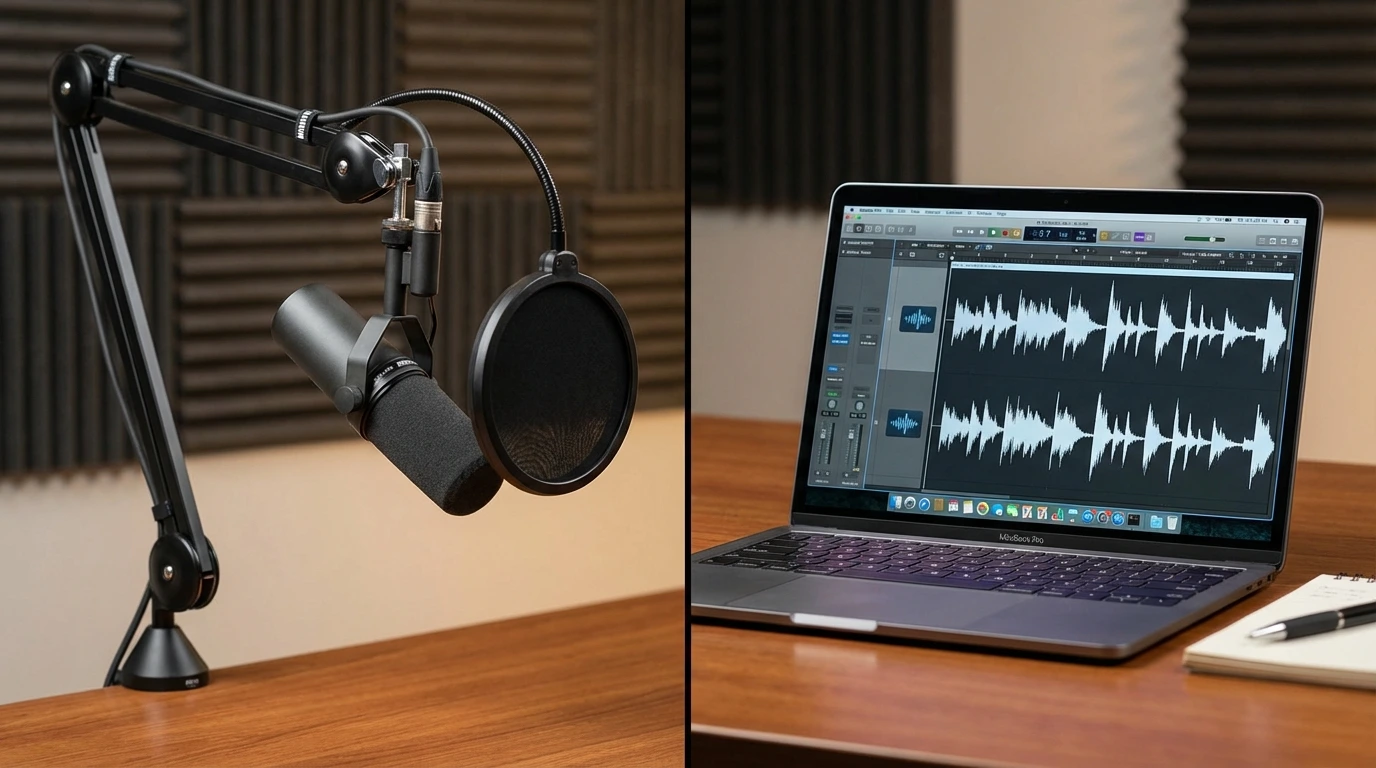
A dedicated external microphone significantly reduces room noise compared to built-in laptop or camera microphones.
3. How Bad Audio Destroys Your Metrics (And Your Revenue)
Watch Time and Retention
YouTube's algorithm lives and dies on audience retention. Channels that improve average retention by just 10 percentage points see a correlated 25%+ increase in impressions from the recommendation engine. Videos with clear, professional audio keep viewers in that comfort zone where they forget they are watching and just absorb.
Trust and Credibility
One study found that participants rated the same scientific information as less interesting, less important, and less trustworthy when the audio was degraded versus clean. The content did not change at all. Only the sound quality changed. That means bad audio makes your audience trust you less, even if your information is flawless.
For anyone selling courses, consulting, coaching, or any expertise-based product, this is devastating. Your potential customers are subconsciously downgrading your authority every second your audio stays subpar.
Brand Perception
Clean audio signals competence and care. For training videos, webinars, product explainers, and investor updates, great audio tells the viewer your operation is buttoned up. Sloppy sound does the opposite. It makes people wonder what else you are cutting corners on.
4. The Critical Elements of Professional Audio
1. Microphone Selection and Placement
The built-in mic on your camera or laptop sits too far from your mouth to capture clean, isolated audio. That distance lets room reflections, HVAC noise, and ambient sound contaminate your signal.
An external microphone placed 6 to 12 inches from your mouth changes everything. For most video production scenarios, a quality shotgun microphone or wireless lavalier system will handle 90% of your needs. If you are recording voiceovers or podcasts, a dynamic mic like the Shure SM7B is an industry-standard choice for a reason.
2. Room Acoustics
Your recording environment matters more than your microphone. A $1,000 mic in a tiled bathroom will sound worse than a $100 mic in a treated room. Hard surfaces reflect sound waves, creating echo and comb filtering that muddies everything.
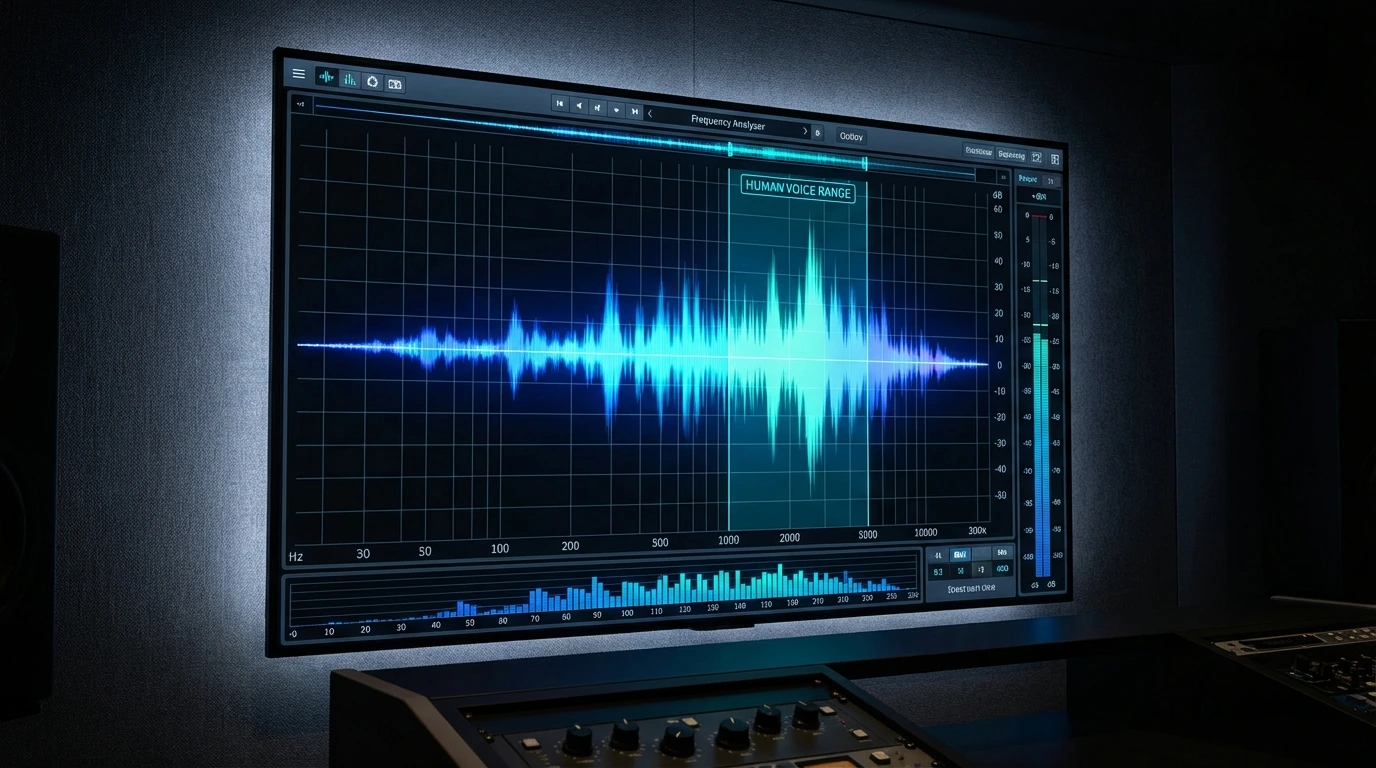
Focusing on the critical frequency range of human speech ensures your message remains clear even on small speakers.
5. Post-Production: Where Good Audio Becomes Great
Recording clean audio is step one. Post-production is where you polish it into something truly professional.
Removing Dead Air with Silence Removal
Every recording has unnecessary pauses and dead air that hurt pacing. Intelligent silence removal identifies these gaps and removes them while preserving the natural flow of speech.
AudioForge Pro uses smart detection with 35ms Leading Pad and 60ms Trailing Pad to ensure words enter and exit naturally. The result is tighter pacing without sounding robotic or edited.
Achieving Perfect Loudness with LUFS Normalization
YouTube normalizes all audio to minus 14 LUFS integrated. If your upload is louder or quieter than this standard the platform will adjust it automatically often with unwanted artifacts.
AudioForge Pro's YouTube LUFS Normalization tool targets exactly minus 14 LUFS with minus 0.1 dBFS true peak limiting. This gives you broadcast quality audio that sounds perfect on the platform without any automatic adjustments.
The Complete AudioForge Pro Workflow
For the best results use both tools together. First remove dead air with the AI Silence Remover to tighten pacing. Then normalize to minus 14 LUFS to ensure perfect loudness. This two-step workflow delivers professional grade audio in seconds.
6. The Real-World Comparison: Audio Budget vs. Video Budget
Here is a practical exercise I give to every creator I consult with. Take your total content production budget. Now split it 60/40 in favor of audio over video.
That sounds counterintuitive until you see the results. A creator with a $500 budget who spends $300 on a solid mic, acoustic treatment, and an audio interface, then $200 on a ring light and a phone tripod, will produce dramatically more engaging content than someone who drops $400 on a camera and $100 on a cheap USB mic.
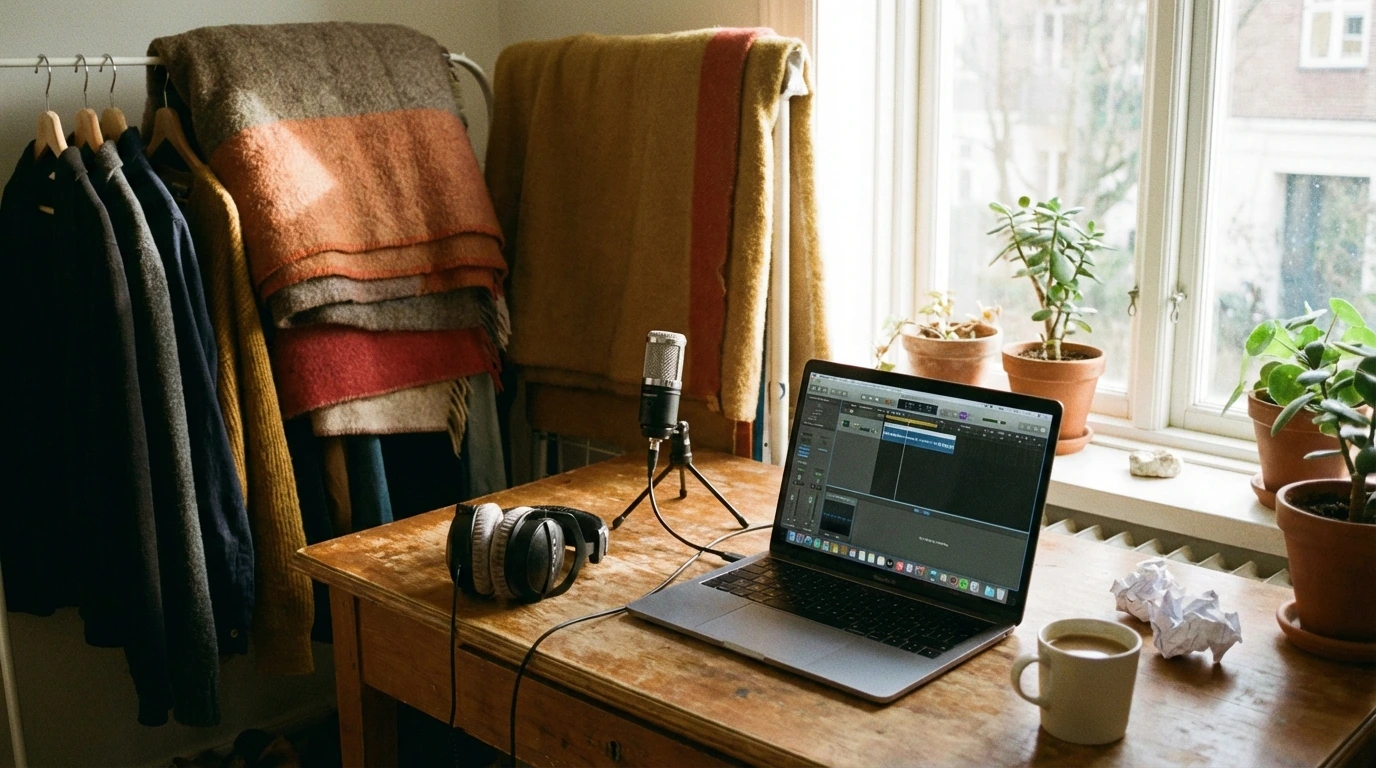
You don't need a million-dollar studio; strategic placement and basic treatment can achieve professional results on a budget.
7. Common Audio Mistakes That Kill Your Content
Recording Too Far From the Mic
Distance is the enemy of clean audio. Every time you double the distance between your mouth and the microphone, you lose approximately 6 dB of direct signal while room noise stays the same. Get close. 6 to 10 inches is the sweet spot for most mics.
1. Clipping and Digital Distortion
What it sounds like: Harsh, crackly audio that sounds broken at loud moments.
Why it happens: Your recording levels are too hot. The signal exceeds 0 dBFS (decibels relative to Full Scale), and the peaks are literally being chopped off.
The fix: Record with your peaks hitting between -12 dB and -6 dB. This provides ample headroom for loud moments without risking distortion.
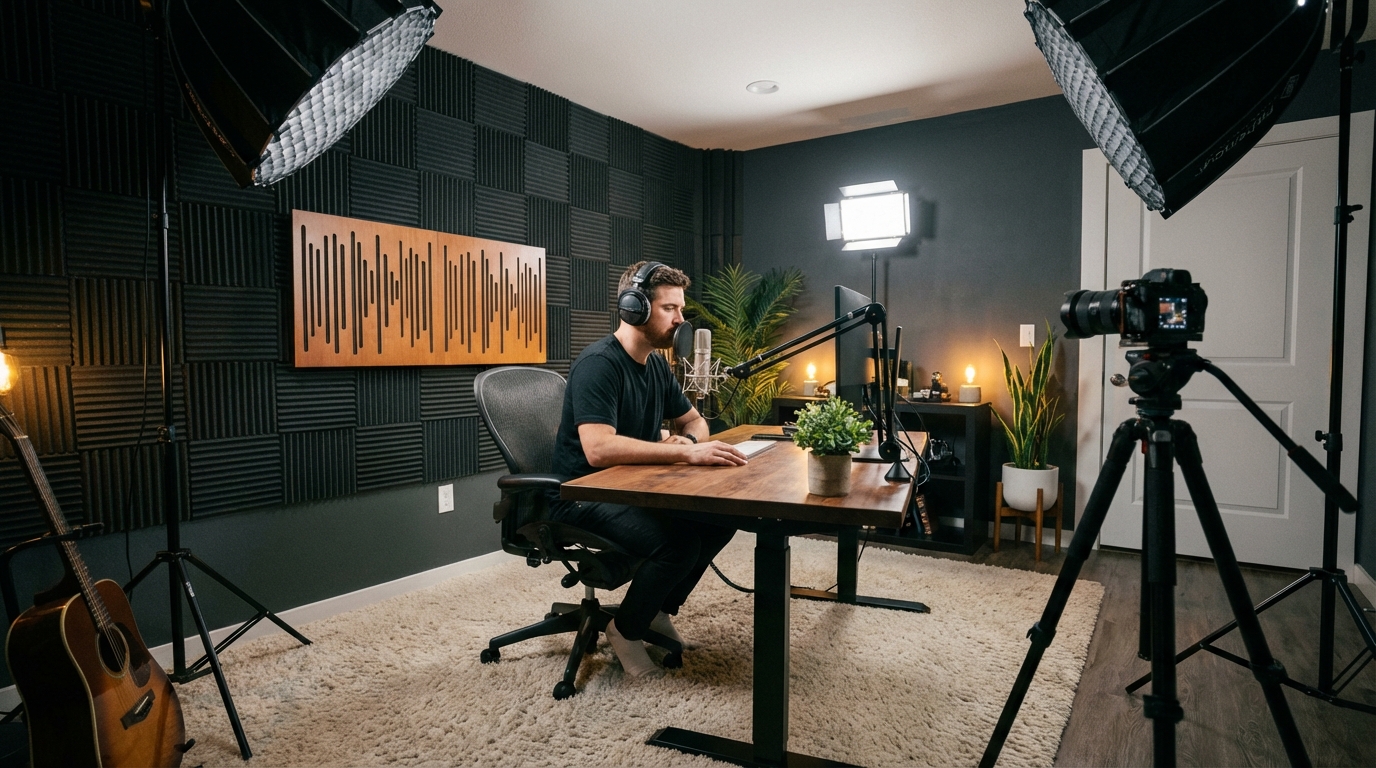
Troubleshooting your recording environment is often more effective than simply buying more expensive gear.
8. Frequently Asked Questions
Question: Why does audio quality matter more than video for retention?
Answer: Auditory processing is faster and more emotionally linked in the brain. Cognitive fatigue from poor audio is the number one reason viewers abandon content, even if the visuals are perfect.
Question: What is the single best audio investment for a beginner?
Answer: A dedicated external microphone (even a budget $50 lavalier) placed close to the mouth beats any camera or laptop built-in mic. Proximity is the key to clarity.
Question: How can I improve my audio if I recorded in a noisy room?
Answer: Use soft-room recording techniques like the closet trick with hanging clothes to dampen reflections. For post processing use AudioForge Pro to remove dead air and normalize to minus 14 LUFS for professional results.
Question: Does YouTube normalize audio volume?
Answer: Yes, YouTube targets a loudness level of -14 LUFS. If your audio is way above or below this, it will be automatically adjusted, which can sometimes introduce unwanted artifacts or hiss.
Transparent Disclosure: The author is the Founder of Audio Forge Pro. Recommendations reflect genuine relevance to this topic. Core audio processing is free with no login required.
---
Go Back to Basics: Learn more about achieving perfect audio levels in our YouTube LUFS Normalization Guide.
Master Your Sound Today
Join the new era of content creation. Pro-grade AI audio tools. Free to start. No signup needed.
Launch Audio Forge Pro — FREE