
Fixing Common Audio Problems in Video Editing (2026) — complete guide
Fixing common audio problems in video editing means diagnosing and correcting inconsistent volume, room reverb, background noise, mic hum, and clipping distortion in your recordings. Using gain staging, LUFS normalization, spectral repair, and AI noise reduction, editors can transform flawed audio into clean, broadcast-ready sound that maximizes viewer retention.
| Common Audio Problem | Primary Root Cause | Recommended Pro Tool & Technique | Target Audio Standard |
|---|---|---|---|
| Inconsistent Volume | Poor Gain Staging & Wide Dynamics | Dynamic Compression & Peak Limiting | -14 LUFS (YouTube Standard) |
| Background Noise & Hum | AC/Fan Drone & Electrical Ground | High-Pass Filter (<80Hz) & AI Noise Reduction | 70-80% AI Blend + Room Tone |
| Room Reverb & Echo | Untreated Room Reflections | Spectral De-Reverb & Multi-Band EQ | Subtractive Cut at 200Hz-500Hz |
| Clipping Distortion | Input Signal Exceeding 0dBFS | AI De-Clipper & 32-Bit Float Recording | Max True Peak at -1.0 dBTP |
| Muddy/Boxy Dialogue | Low-Mid Frequency Accumulation | Subtractive EQ Carving & Sidechain Ducking | High-Pass at 80-120Hz |
Filmmakers have a practical rule of thumb: audio is half the viewing experience — and the first thing that makes a viewer click away. You can shoot on a $10,000 RED camera in 8K, but if your voice sounds like it was recorded inside a tin can, or a music swell buries the dialogue, retention drops before the story starts. The Audio Engineering Society (AES) publishes loudness and quality guidelines for exactly this reason: perceived quality is a system, not a single clip.
This guide works like a repair manual: identify the symptom you are hearing, find its root cause, and apply the matching fix. It covers the three audio problems that cause most viewer drop-off — inconsistent volume, background noise, and awkward pacing — plus the repair tools for each, written for YouTubers, podcasters, and video editors who want their craft to extend past the visuals.
What Causes Inconsistent Audio Levels in Video Editing?
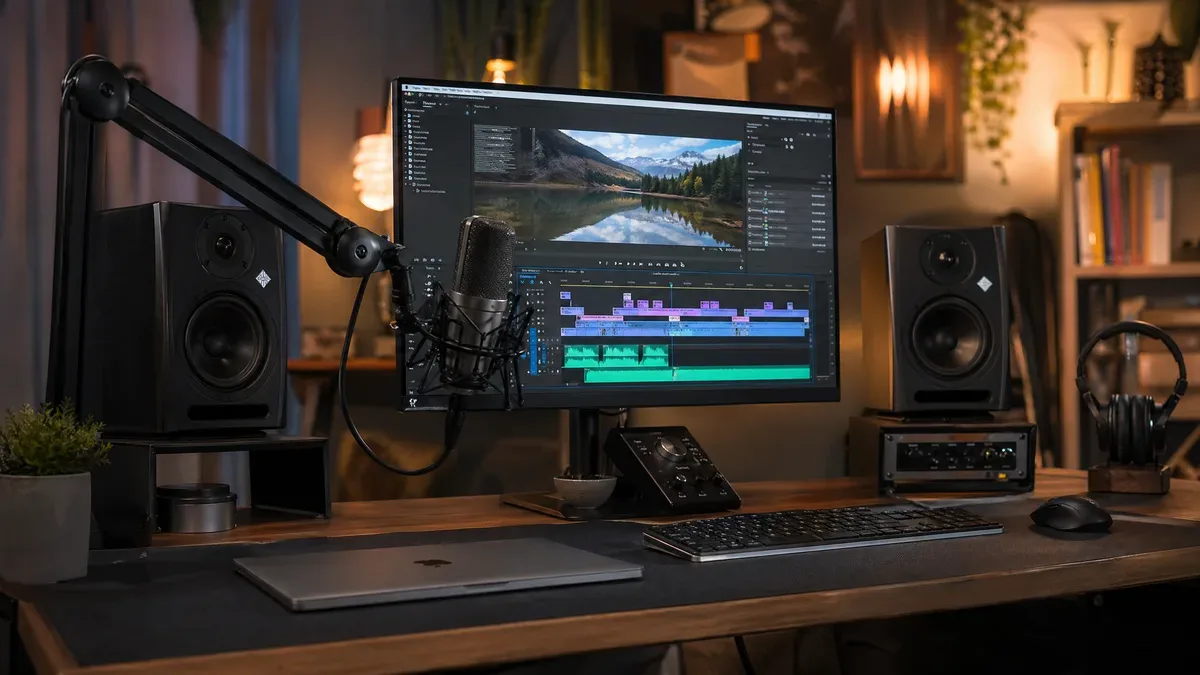
The most common complaint from viewers is the constant need to adjust playback volume. That jarring volume rollercoaster is a hallmark of amateur editing, and it is almost always a gain-staging problem that post-production can only paper over.
Understanding Gain Staging and Normalization
Consistent levels start with gain staging: managing volume at every stage of the chain instead of trying to rescue a quiet clip in post. A common beginner mistake is amplifying a weak recording — which amplifies the hiss and hum with it. Engineers capture a clean, healthy signal at the source and leave headroom for every later step.
Normalization brings all individual audio clips to a uniform and consistent starting point before the actual mixing process begins. Peak Normalization adjusts the entire audio clip so that its absolute loudest point reaches a predefined maximum level (typically -3dB to -6dB). Loudness Normalization adjusts the audio clip based on its average perceived loudness, measured in LUFS (Loudness Units Full Scale).
Compression: Taming the Jumps
Even well-normalized clips can feel jumpy, because normalization matches peaks, not perceived loudness. A compressor lowers anything above a threshold, so the gap between whispers and shouts shrinks and the track stops bouncing. For typical YouTube dialogue, a gentle 2:1 to 4:1 ratio does the job.
In 2026, iZotope's VEA (Voice Enhancement Assistant) automates most of this: it analyzes your voice and applies matched compression, EQ, and de-essing in seconds. It is a fast starting point, but learn the manual chain first so you can hear what VEA is actually changing.
Loudness Standards: Speaking the Same Language as Your Platform
YouTube, Spotify, and broadcast television each normalize to specific loudness targets, measured in LUFS. YouTube targets -14 LUFS: if your video is significantly louder, the platform turns it down — and that automatic gain move can flatten your mix. Hitting the target yourself means the platform never touches your audio at all.
If LUFS is still a fuzzy concept for your workflow, jump over to our complete LUFS vs dB Audio Loudness Guide — it includes a driving analogy that makes the perceptual difference click within 60 seconds. For YouTube-specific export presets, the team put together a 20-minute YouTube LUFS Normalization Explained deep dive with Premiere, with exact fader positions.
Key loudness targets for content creators (2026): YouTube -14 LUFS, Spotify -14 LUFS, Apple Podcasts -16 LUFS, broadcast TV (EBU R128) -23 LUFS, Netflix -27 LKFS. Achieving these targets requires a loudness meter and, usually, a limiter on the master output.
How to Clean Up Background Noise Without Robotic Distortion?
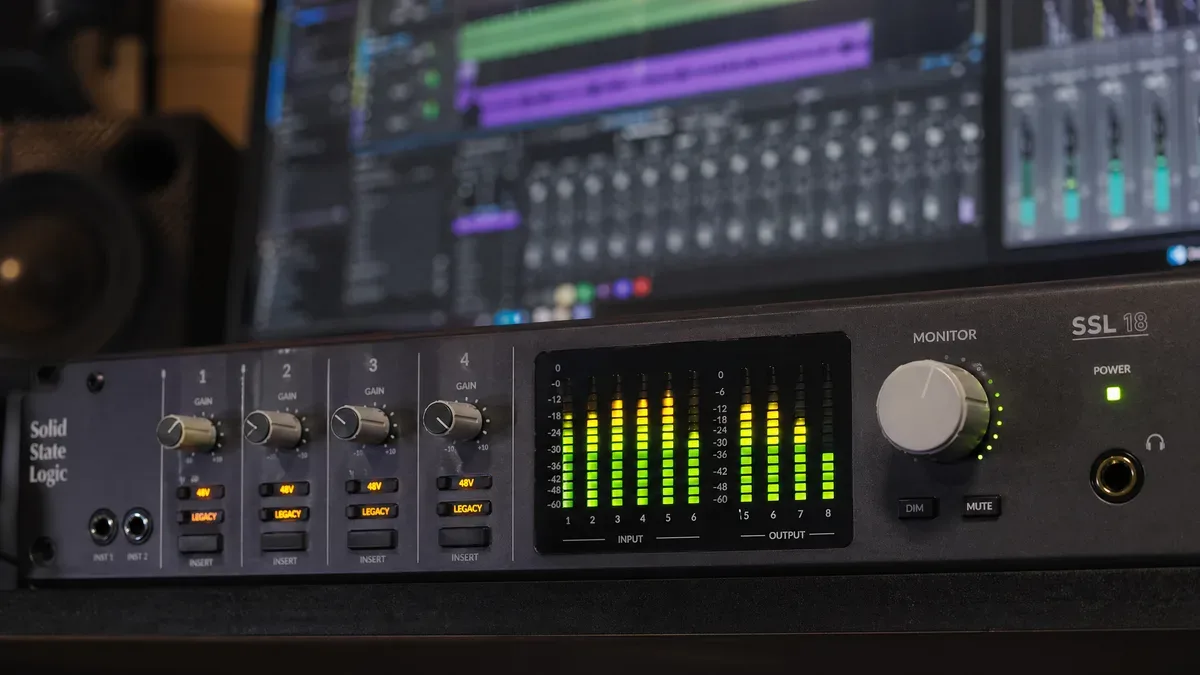
You record the perfect take, then realize the air conditioner was humming the whole time. In the past that meant a costly re-shoot; today it means a cleanup pass.
Identifying and Categorizing Common Noise Types
Before you can effectively combat unwanted noise, it's crucial to accurately identify its type and characteristics. Broadband Noise is a wide spectrum of frequencies, often perceived as a general hiss or static. Hum is typically a low-frequency drone (50Hz or 60Hz) caused by electrical interference. Wind Noise is a complex broadband noise with low-frequency rumble. Reverb/Echo is the sound of reflections bouncing off surfaces. Clicks, Pops, and Crackles are short, transient noises.
Spectral Repair: Seeing the Sound to Fix It
Spectral repair lets you see sound as a two-dimensional spectrogram and paint out artifacts — hum, clicks, room echo — with surgical precision. iZotope RX popularized the workflow, and lighter tools now offer versions of it. Once you can see a 60 Hz hum as a solid horizontal stripe, removing it becomes a drawing exercise.
AI Noise Reduction in 2026
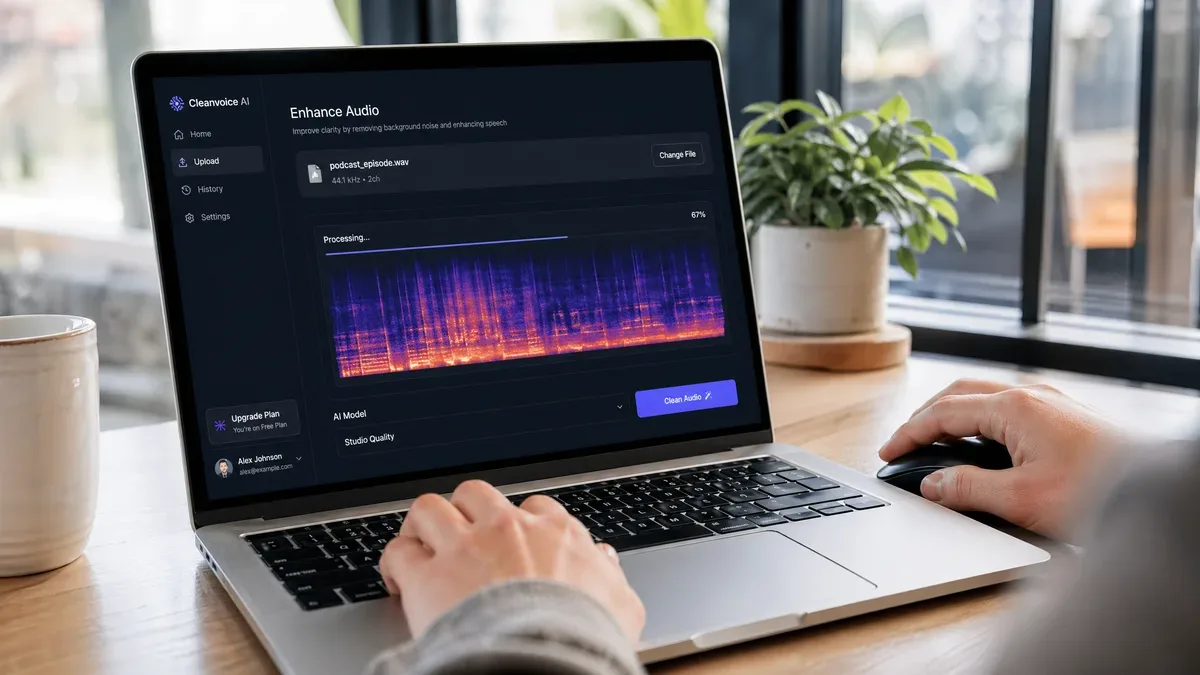
The biggest shift in audio cleanup is AI speech enhancement. Tools like Adobe Podcast Enhance, Waves Clarity Vx, and SimpleClean use neural networks trained on large vocal datasets to separate speech from background noise — including noise that happens while you are talking, which no gate or spectrum paint job can remove.
However, a crucial word of caution: while incredibly powerful, AI can sometimes impart a subtle robotic or over-processed quality to the voice if applied too aggressively. The secret to achieving truly natural-sounding results lies in judicious application. Often, using these tools at 70-80% intensity and then subtly blending in a touch of the original air or room tone can help maintain a sense of realism. For a deep dive on the exact moderation percentages, crossfade strategy, and how to blend back in ambient room tone so listeners don't perceive the cleanup at all, read our full guide on How to Remove Background Noise Without Making Voice Robotic. If your AI output is already sounding hollow, see the companion guide Why Your Voice Sounds Thin After AI Noise Reduction for a precise 4-band parametric EQ fix.
The Room Tone Secret
One of the most subtle yet significant mistakes an editor can make is creating absolute silence between cuts or during pauses in dialogue. The human brain is remarkably adept at detecting such unnatural silence. The professional solution is to always record at least 30 seconds of Room Tone—the natural ambient sound of your recording space when no one is speaking. By looping this room tone subtly underneath your entire edit, you provide a consistent sonic floor.
How to Master Pacing and Remove Awkward Pauses?
Audio editing isn't solely about achieving pristine sound quality; it is equally about establishing the rhythm and pacing of your video. The way you cut and arrange your audio segments directly dictates the overall energy, flow, and emotional impact of your visual narrative.
J-Cuts and L-Cuts: The Invisible Seams of Professional Editing
If your aspiration is for your videos to exude the polished professionalism of a documentary, then the mastery of J-Cuts and L-Cuts is absolutely fundamental. J-Cut (Audio Leads Video): The ambient sounds of a new environment begin to fade in before the visual cut to that environment itself. L-Cut (Video Leads Audio): The audio from the current scene continues to play after the visual has already transitioned to the next scene.
Transcript-Based Editing
Removing verbal tics — ums, ahs, filler words — used to mean hunting them down on the timeline. Descript, CapCut, and DaVinci Resolve now all support transcript-based editing: the software transcribes the audio, and deleting a word in the text cuts it from the footage. It is the fastest legitimate silence-and-filler cleanup available.
The Art of Strategic Silence
While the general advice for content creators is often to keep things fast-paced and eliminate dead air, it's crucial to understand that not all silence is detrimental. Strategic silence can be an incredibly powerful storytelling device. A well-placed pause can build suspense, emphasize a point, create emotional impact, or provide breathing room.
How to Carve Frequency Space for Dialogue with EQ?
A mix sounds muddy when too many elements fight for the same frequencies. Your job in that situation is traffic control: give the dialogue its lanes and move everything else out.
Subtractive EQ: The Less is More Philosophy
The instinct is to boost whatever you want to hear. Experienced engineers mostly subtract instead: cutting the clashing frequency clears more space than boosting the good one ever could, because it also removes the energy that was masking the voice.
The High-Pass Filter (HPF)
Almost every microphone captures low-end rumble it should not have — room bass, HVAC, handling. An HPF that cuts everything below 80–120 Hz removes it in a single move and instantly opens up the whole mix. It is the highest-value EQ move in video editing.
Frequency Ducking and Sidechain Compression
The classic failure: background music loud enough to overpower the dialogue. Sidechain (frequency) ducking solves it intelligently — the music dips only while the voice is speaking, and modern frequency-ducking tools dip only in the bands the voice actually occupies, so the music keeps its character instead of just getting quieter.
How to Avoid Cheap and Generic Sound Design?
Sound effects add depth when they are specific and restrained. Overused, generic SFX — the whoosh on every transition, the ding on every point — make a production feel templated.
Layering for Realism: Building a Unique Soundscape
Real sounds are layers. A footstep on a wooden floor is a low-end thud, a mid-range creak, and a high-end rustle at once. A professional stack of two or three samples sounds far more convincing than one generic footstep.wav, and layering is what separates designed sound from stock sound.
Making Stock Sounds Your Own
Stock libraries are still the fastest path to most sounds — but never use a sample raw. Pitch-shift it 20–40 cents, time-stretch it, and match its reverb to the room in your scene, and it disappears into the mix instead of announcing itself.
AI Sound Effects in 2026
AI sound-effect generation has matured enough to be practical. ElevenLabs' sound-effects API lets you describe the sound you need in plain language and get a usable sample, instead of digging through stock libraries — which finally makes one-off sounds (a specific room, a specific machine) affordable for solo creators.
How to Fix Distorted, Clipped, or Out-of-Sync Audio?
Even careful recordings end up broken sometimes. What used to be unfixable can often be salvaged now.
Clipping and Distortion: Can You Actually Fix It?
Clipping chops the tops off waveforms when a level exceeds the recorder's maximum. Modern de-clippers (RX De-Clipper and similar tools) analyze the unclipped neighbors and reconstruct the missing peaks — a partial repair, but often convincing at listening levels. The real fix is recording with headroom, or switching to 32-bit float.
Sync Issues: Dealing with Variable Frame Rates
Audio-video sync breaks in three ways: initial misalignment, drift over time, and hardware latency. Most NLEs can automatically match the waveform of camera audio against a separate external recorder — but if auto-matching fails entirely (a known issue in newer Premiere Pro versions), see our troubleshooting guide on Fixing Premiere Pro v26 Audio Synchronize Failure.
Record in 32-Bit Float
If your camera or recorder supports 32-bit float, use it: it is effectively impossible to digitally clip a 32-bit float recording, which gives you RAW-photo-style flexibility for levels in post. (Analog clipping still exists — set your input gain sensibly either way.)
Conclusion: Audio is a Craft, Not a Checkbox
Audio is not a checkbox; it is the layer your audience feels even when they cannot name it. Clean it, balance it, pace it — and the audience stops hearing the audio and starts feeling the story.
None of the fixes in this guide cost anything like a new camera, and together they matter more to retention and trust than any resolution upgrade. Run through the triage table at the top of this page, fix the loudest problem first, and re-export.
Further Reading: Next Steps for Every Editor
No matter which pillar caught your attention, there's a dedicated guide that goes 10x deeper on exactly your next bottleneck:
- Audio Editing Hacks for Beginners — 8 time-returned shortcuts including the gain-staging mistake that makes normalization lie, and the 60-80% AI-cleanup rule.
- Premiere Pro v26 Audio Synchronize Failure Fix — if you hit the 2026 bug where Premiere's new Merge Clips window refuses to match external audio, this is the workaround in under 4 minutes.
- Faster Than Auto-Ducking: Prep Podcast Audio Before Premiere Pro — why pre-processing the voice track before you bring it into Premiere produces musical, non-robotic ducking.
- 128kbps vs 320kbps vs WAV for YouTube — a controlled A/B experiment and the exact bitrate/container strategy that survives YouTube's re-encoder.
- how YouTube loudness normalization actually works — True Peak ceilings, integrated vs short-term LUFS, and copy-pasteable project presets.
- Best Audio Format & Quality Settings for YouTube Shorts in 2026 — codec, sample rate, and loudness numbers tuned specifically for the Shorts audio pipeline.
Transparent Disclosure: The author is the Founder of Audio Forge Pro. Recommendations reflect genuine relevance to this topic. Core audio processing is free with no login required.
Responses
Join the community discussion. Sign in with Google to post a comment after the page finishes loading.