
TimeBolt vs JumpCutter vs Free AI Silence Removers (2026) — complete guide
1. I Used to Waste Entire Nights Editing Silence
I remember finishing a solid recording and feeling proud of the content.
Then I opened the timeline. Suddenly, the next three hours disappeared into cutting pauses, trimming dead air, fixing pacing, leveling volume, and exporting multiple versions just to get one usable final file. If you create podcasts, YouTube videos, interviews, tutorials, or livestream clips, you probably know that feeling.
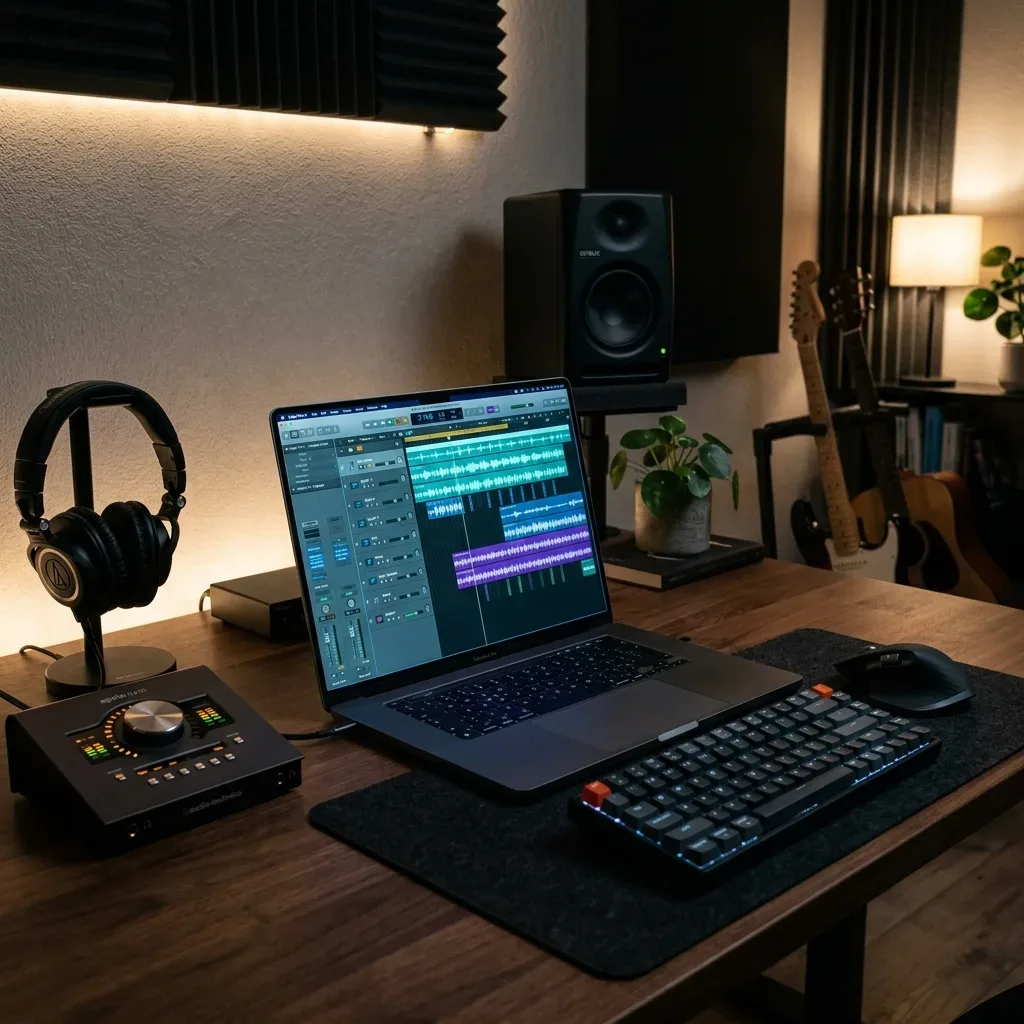
Recording can be fun. Editing often feels like punishment. This comparison looks at TimeBolt, the open-source JumpCutter approach, and a browser-based option, so you can pick by workflow instead of by marketing page.
The truth is, most creators are not slowed down by lack of talent. They are slowed down by repetitive cleanup work. Long pauses. Empty gaps. Uneven loudness. Awkward pacing. Those small issues quietly damage the final product more than many people realize.
That is why tools like TimeBolt and JumpCutter became popular. They promise faster editing by automatically removing silence and tightening spoken content.
And honestly, that idea makes sense.
But there is a second question many creators forget to ask:
Do you need a heavy desktop tool for a simple cleanup job?
Sometimes yes. Often no.
If your main goal is removing dead air and hitting proper LUFS levels quickly, a free browser-based workflow may be the better answer.
That is where AudioForgePro.com enters the conversation. Full transparency before this section: I am the founder of Audio Forge Pro, so treat the next few paragraphs as a description of what the tool does rather than a neutral review.
2. Why Dead Air Hurts Content More Than You Think
Many creators spend money on cameras, thumbnails, microphones, branding, intros, and plugins. Those things can help. But pacing is one of the biggest quality signals audiences feel immediately.
Notice I said feel.
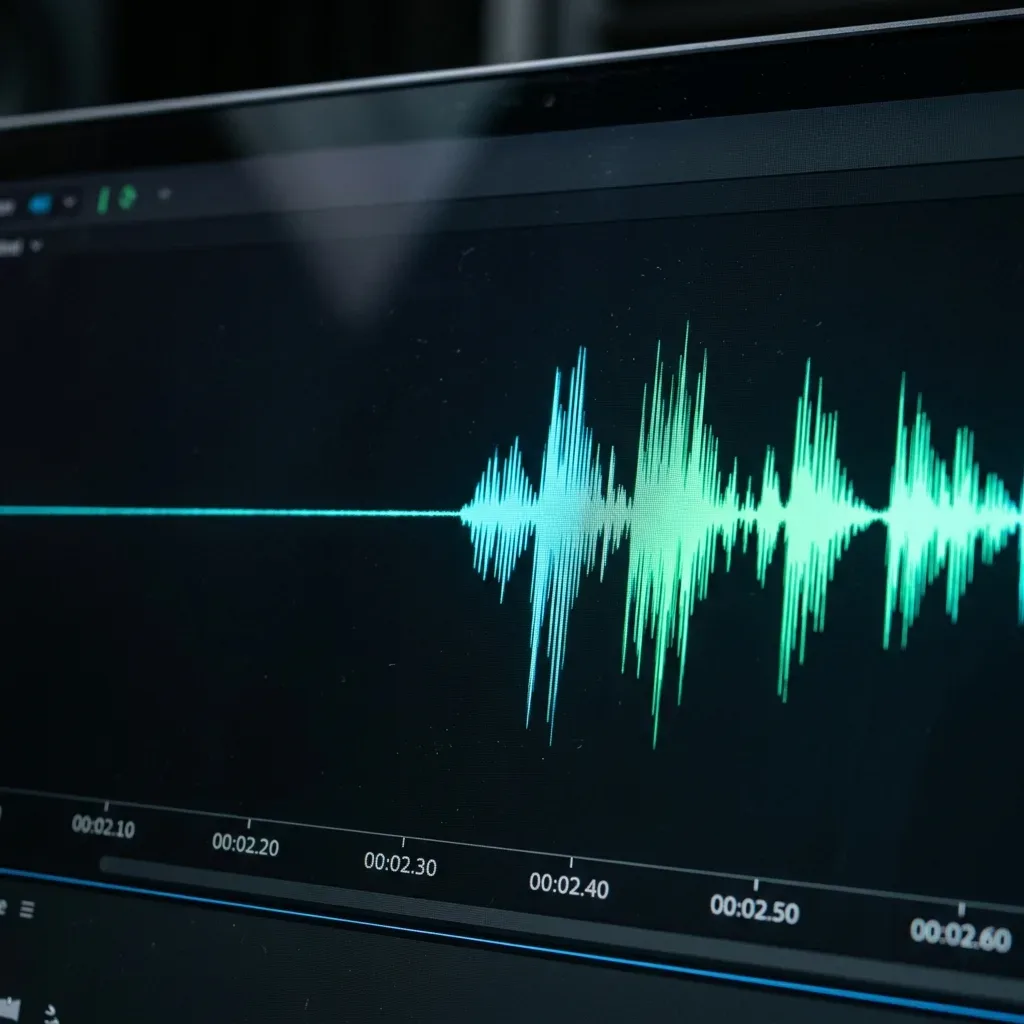
Most viewers never comment: 'I left because your pauses were too long.' They simply click away.
Slow pacing creates friction. It feels harder to keep watching.
Long silence between ideas can make even smart content feel boring. Dead air after mistakes makes podcasts feel unpolished. Empty space before the first valuable point weakens retention early.
I have seen average content perform better than excellent content simply because the pacing was tighter.
Removing unnecessary silence can improve:
- Watch time
- Listener retention
- Perceived professionalism
- Energy in speech
- Clarity of delivery
- Flow of interviews
- Speed of tutorials
That is why silence removal matters so much. Not because silence is always bad. Because wasted silence is expensive.
3. What TimeBolt Is Good At
TimeBolt is known as a tool built around faster editing workflows. It helps creators detect pauses and reduce repetitive manual cuts. If you work with spoken content regularly, that can be useful.
Typical users include:
- Podcasters
- Course creators
- Interview channels
- Talking-head YouTubers
- Coaches recording lessons
- Streamers repurposing long sessions
Why People Like It
Manual silence cutting is boring work. TimeBolt can reduce that pain. Instead of scanning waveforms yourself for every long pause, software helps automate the rough cleanup stage.
That saves energy. That saves time. That saves motivation.
Where Some Creators Pause Before Buying
The honest friction is the pricing model and the install. TimeBolt publishes a free tier, but on the official TimeBolt pricing page that free tier is video-only, watermarks your exports, cannot save projects, and does not give you XML export to Premiere, Final Cut, or DaVinci. In other words, the free version is a demo, not a workflow. Paid access is listed at $17 per month, $97 per year, or a one-time lifetime licence; older reviews still quote a lower lifetime figure, so check the current number on that page before you budget for it rather than trusting any comparison article.
This is the part marketing pages rarely emphasize. Desktop tools usually come with added friction: paid pricing tiers, installation steps, updates, storage use, export time, CPU and RAM load, and slower processing on older laptops.
If you run a strong machine and edit daily, that may be fine. If you just need quick cleanup once or twice a week, it may feel unnecessary.
4. What JumpCutter Does Well
First, a clarification that saves a lot of confusion: JumpCutter is not a polished app with a download button. The original is an MIT-licensed Python script by carykh that shells out to FFmpeg, and most of what people call "JumpCutter" today is a community fork or a GUI wrapper around that same idea. You install Python, install FFmpeg, and run it from a terminal. That is a real cost if you are not comfortable on the command line, and a real benefit if you are, because it is free, offline, scriptable, and you can batch a folder of files without touching a mouse.
The two settings that decide everything are the silence threshold and the frame margin. The threshold is how quiet a moment has to be before the script calls it silence; the default is deliberately conservative, and raising it cuts more aggressively at the risk of clipping soft consonants. The frame margin is how many frames of silence it keeps on either side of speech, and it is the single most important control for whether the result sounds human. A margin of one frame produces the machine-gun pacing people complain about. Two or three frames keeps breath and word endings intact.
JumpCutter became popular because many creators wanted aggressive pacing. Fast edits. Fewer pauses. More movement.
That style works well for:
- Commentary channels
- Gaming creators
- Reaction videos
- Comedy clips
- High-energy brands
- Meme-driven content
Why It Works
Attention online is short. When cuts are fast and dead space disappears, content often feels more modern and energetic.
What Can Go Wrong
I have heard many edits where every breath was removed. Every half-second pause disappeared. Every sentence slammed into the next one. That creates speed, yes. But not always comfort.
There is a huge difference between tight pacing and stressful pacing.
Good editing still leaves room for thought pauses, emotional emphasis, natural breath moments, humor timing, and human rhythm.
The best silence removal tools understand balance.
5. TimeBolt vs JumpCutter vs Free Alternatives
| Tool | Best For | Cost | Uses Local Resources | Removes Silence | LUFS Normalization | Browser Based |
|---|---|---|---|---|---|---|
| TimeBolt | Frequent desktop editors | Paid | Yes | Yes | Usually separate step | No |
| JumpCutter | Fast aggressive edits | Varies | Yes | Yes | Usually separate step | No |
| Adobe Podcast | Voice enhancement | Subscription | No | Limited | Automatic | Yes |
| Audacity | Manual DAW editing | Free | Yes | Manual Plugin | Manual | No |
| Descript | Script-based editing | Paid | Yes/Cloud | Yes | Yes | Yes |
| Generic Free Tools | Basic trimming | Free | Sometimes | Limited | Rarely | Sometimes |
| AudioForgePro.com | Fast creator workflow | Free | Minimal | Yes | Yes | Yes |
When comparing these tools, it's important to look beyond just the price tag. The real value lies in how many steps you can eliminate from your daily workflow while maintaining professional standards. Also worth reading is our comparison of free iZotope RX silence remover alternatives for creators on a budget.

6. Why Loudness Still Matters After Cutting Silence
This is where many creators make a mistake. They remove pauses, then upload immediately. But pacing and loudness are two separate issues.
You can have well-edited content that is still too quiet, too loud, inconsistent episode to episode, harsh after export, weak on mobile devices, or unbalanced compared with other creators.
That is why LUFS normalization matters.
7. What Is LUFS in Simple English?
LUFS measures perceived loudness. Not just peaks. Not just waveform size. It reflects how loud audio feels to listeners over time. That makes it far more useful than simply looking at a meter spike.
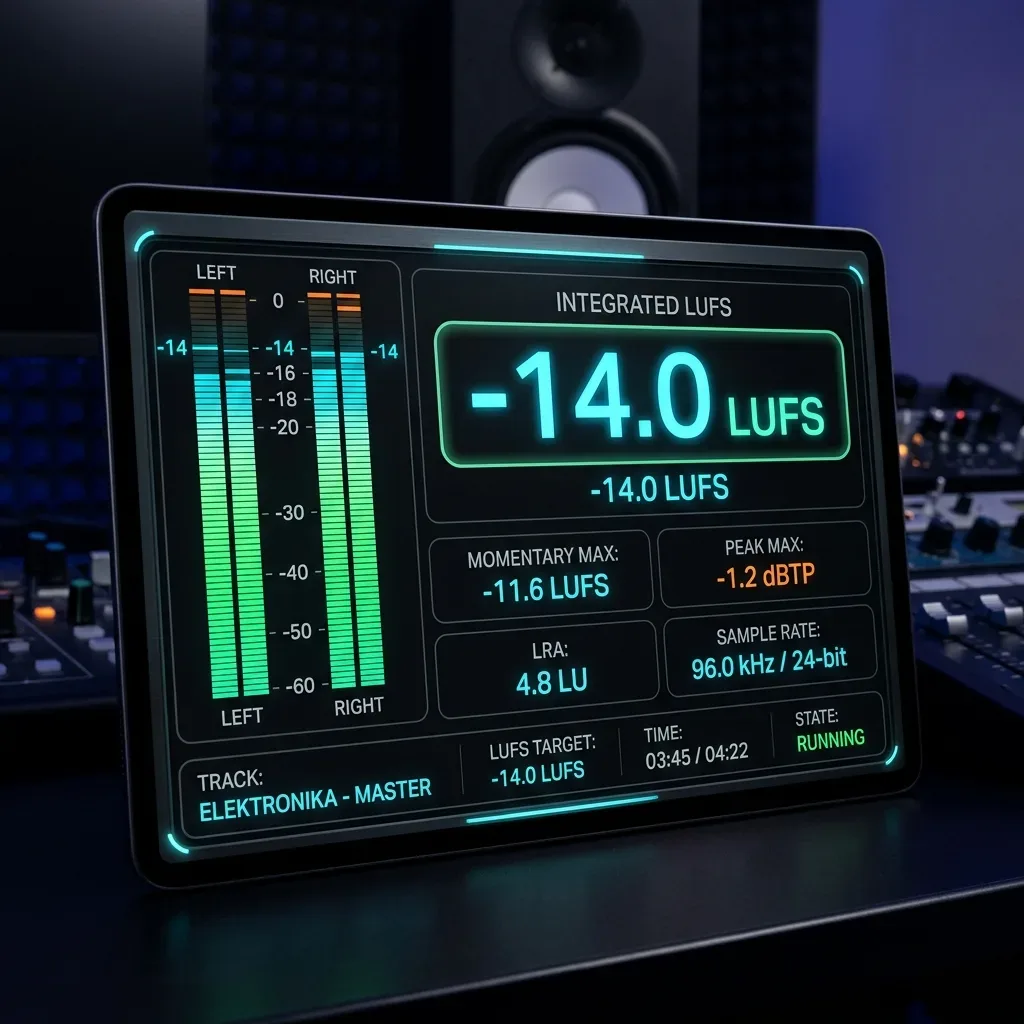
Common Creator Targets
Depending on workflow, many creators aim around:
- -16 LUFS for stereo podcasts
- -19 LUFS for mono spoken content
- Around -14 LUFS for many video workflows
Targets vary by platform and style, but consistency is what listeners notice most. No one enjoys reaching for the volume knob every episode.
8. Why Many Tools Only Solve Half the Problem
Some apps remove silence. Some apps normalize loudness. Many do not do both in one clean workflow.
That means creators end up doing this: Clean pauses in one tool. Export file. Import into another tool. Adjust loudness. Re-export again. Recheck peaks. Hope nothing broke.
That is too many steps for a repeat weekly workflow. The simpler your process becomes, the more likely you are to stay consistent.
9. Why AudioForgePro.com Is a Smart Free Alternative
Not every creator needs a giant editing ecosystem. Some people need results fast. That is where AudioForgePro.com makes sense.
AI Silence Removal
It focuses on removing dead air and awkward empty gaps so spoken content flows better. That can help with podcast pacing, faster tutorials, cleaner interviews, sharper intros, and better audience retention.
LUFS Normalization
This is where many free tools fall short. AudioForgePro.com also helps bring content to reliable loudness targets, making playback smoother and more professional. That means fewer volume surprises for your audience.
Browser-Based Simplicity
No downloads. No updates. No heavy installs. No extra software chain just for basic cleanup. For many creators, that convenience becomes the biggest advantage.
10. The Part That Took Me Too Long to Learn
Silence removal is not about deleting pauses. It is about deleting the wrong pauses.
Good spoken content needs space. Without space, speech feels rushed and tiring. That is why smart settings matter more than flashy branding.
Look for controls like: Threshold, Minimum silence length, Padding before speech, and Padding after speech.
Those small settings often make the difference between professional and awkward results.
11. Which One Should You Actually Pick?
There is a straightforward way to decide, and it has nothing to do with which tool has the better website. Ask how you will hand the file off.
If your silence-removed file goes straight into Premiere, Final Cut, or DaVinci for a full edit, you want XML or EDL export, and that points at TimeBolt. Getting cut points back into your NLE as an editable sequence is the feature you are really paying for, not the silence detection itself.
If you are technical, edit in bulk, and never want to pay a subscription, the JumpCutter route is hard to beat. It is free, it runs offline, and once you have a command line that works for your voice you can point it at a whole folder overnight.
If the file is finished and just needs pacing and loudness before upload, a desktop install is overhead you do not need. A browser pass handles both jobs in one step and leaves the file on your own machine.
And if you are unsure, run the same two-minute clip through your two shortlisted options and listen to the joins on headphones. Silence removal fails in a very specific way: the cuts sound fine on laptop speakers and obviously clipped on headphones. Two minutes of honest listening will tell you more than any feature table, including the one above.
If you want to go deeper on the detection side before choosing, the AI silence-removal guide walks through the browser presets step by step, and the professional silence-removal guide explains the padding and crossfade craft that separates a natural edit from a clipped one. You can also run the browser tool on a sample file first, with no install, to hear what your own voice sounds like after an automated pass.
Settings Worth Copying Whatever Tool You Use
Across every tool in this comparison the same four numbers control the result, and sensible starting points transfer between them. A silence threshold around -35 dB works for a normally recorded voice in a quiet room; raise it if your noise floor is high. A minimum silence length of roughly 60 milliseconds stops the tool from chopping the natural micro-gaps inside a sentence. Around 20 milliseconds of padding before speech protects the attack of hard consonants, and roughly 220 milliseconds after speech lets word endings and breaths finish instead of being guillotined. Those are the defaults we ship in AudioForge Pro, and they are a reasonable first guess in TimeBolt or a JumpCutter fork too.
One more habit that matters regardless of tool: normalise loudness after the cuts, never before. Removing silence changes the integrated loudness of the file, because you have deleted the quietest parts of the measurement window. If you normalise first and cut second, the finished file will land above the target you carefully set, and on YouTube that means the platform turns it back down for you.
12. Final Verdict
TimeBolt and JumpCutter can be useful choices for creators who prefer desktop workflows. They have their place.
But many creators are solving a smaller problem. They need faster pacing. They need dead air removed. They need consistent loudness. They need less friction between recording and publishing.
That is why AudioForgePro.com stands out as a practical free browser-based alternative. It focuses on the two things many creators actually need most: silence removal and LUFS normalization.
Less manual cutting. Less wasted time. More publishing momentum.
Transparent Disclosure: The author is the Founder of Audio Forge Pro. Recommendations reflect genuine relevance to this topic. Core audio processing is free with no login required.
Responses
Join the community discussion. Sign in with Google to post a comment after the page finishes loading.